 blankpaper
Free editable template · .excalidraw
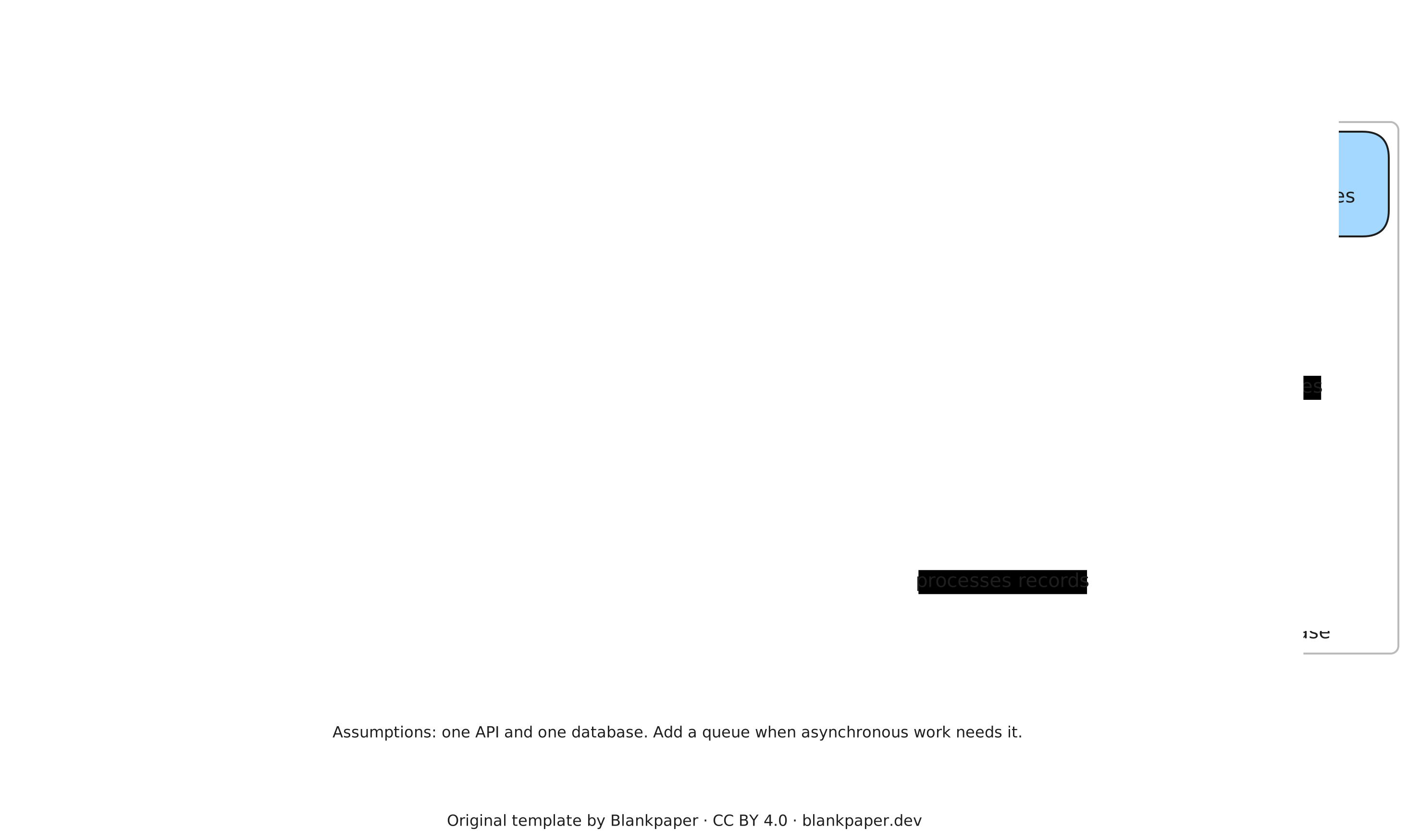
C4 container diagram for a small web application
Explain the applications, data stores and relationships in a small system. Start with a browser, an API, a worker and a database; replace the labels with your own responsibilities.
What this diagram represents
Each box represents a separately running application or a data store. Arrows name the interactions between them. This is a container-level view: here, container means a deployable application or data store, not necessarily a Docker container.
Adapt it to your system
- Replace the example names with responsibilities your audience recognises.
- Label arrows with what crosses the boundary: requests, events or stored records.
- Mark trust boundaries and note which components own important data.
- Record a failure case and a trade-off beside the design, then simplify anything unnecessary.
Assumptions and limits
The example assumes a small web application and a single relational database. It omits deployment topology, replicas, authentication flows and observability detail. Use a separate context or deployment diagram when those questions matter; avoid forcing every concern into one view.
Source and reuse
Original template by Blankpaper, released under Creative Commons Attribution 4.0. You may adapt and share it with credit. For the notation, see the official C4 container diagram guide.
Learn the keyboard workflow · Find reusable community components