Navigate the idea.
Move between elements, follow their connections and make a change without hunting for a tiny target.
AltNNext element
 blankpaperOpen canvas
 Your familiar canvas. A faster workflow.
The Excalidraw canvas you love, with a keyboard for everything around it. Find a component by name. Follow a connection. Keep the idea moving.
Free on your device. No account needed.
A drawing tool that keeps up
You already know how to draw. Blankpaper makes the next action as close as your keyboard.
Move between elements, follow their connections and make a change without hunting for a tiny target.
Save a component, give it a useful name, then find and insert it on any canvas. Your library becomes part of how you think.
Jump into properties, turn Mermaid into editable shapes, or make every shortcut work the way you do.
Try it, right here
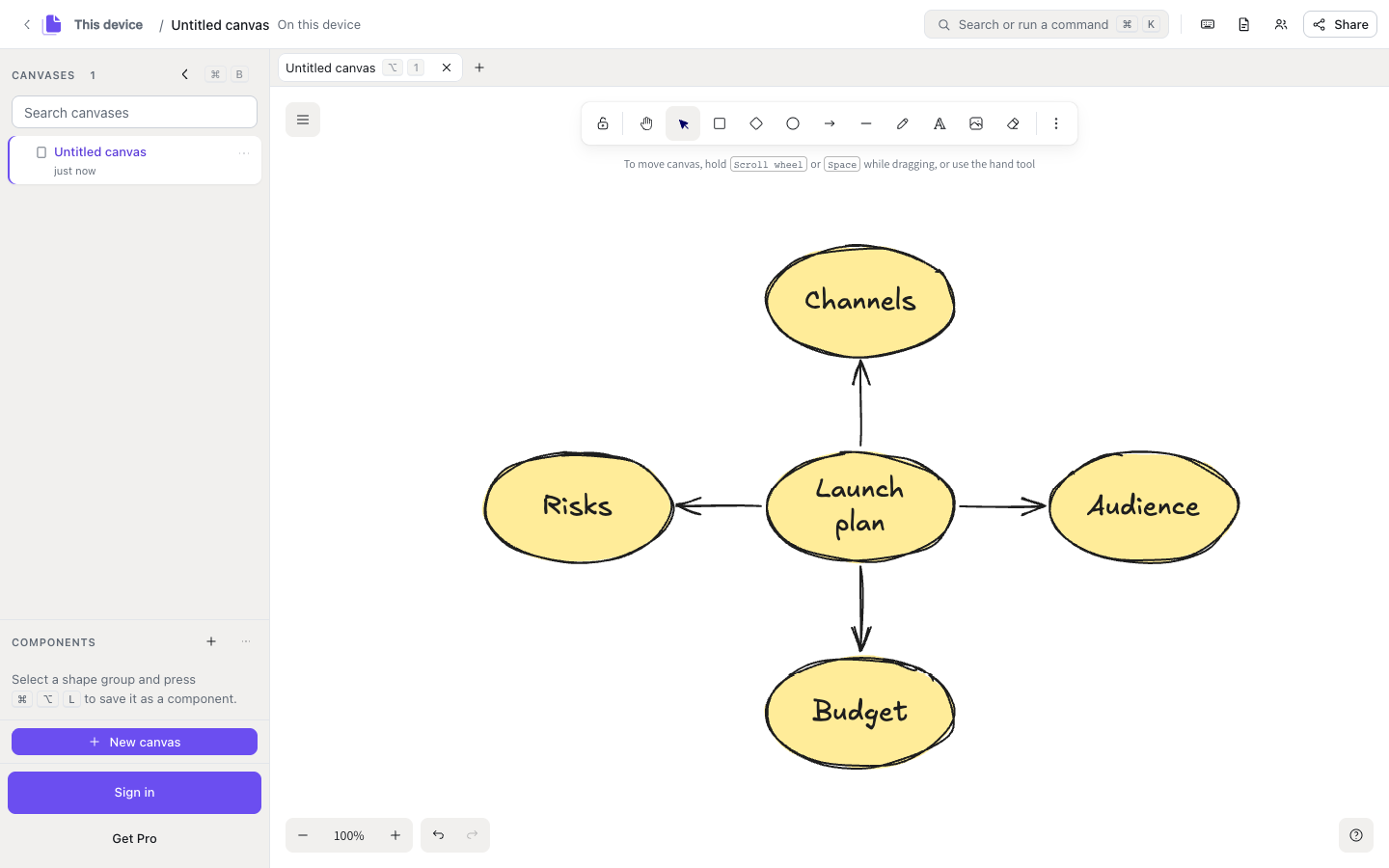
Create a shape, move through the drawing and follow a connection. This is the real Blankpaper editor.
Mod is ⌘ on Mac, Ctrl on Windows and Linux.
Every shortcut can be remapped.
Recorded, not staged
Real recordings on the production editor. Every keycap is the default binding, shown for Mac and for Windows, and the pointer never moves.
Familiar, with more room to work
Keep the canvas and file format you know. Add a workflow that feels at home beside your editor and terminal.
Make something. Pass it on.
Explore editable canvases and reusable component libraries. Copy a resource, make it your own, and keep building.
Explore the communityYour next idea starts here
Draw locally without an account. Add Pro when you want cloud sync and shared workspaces.